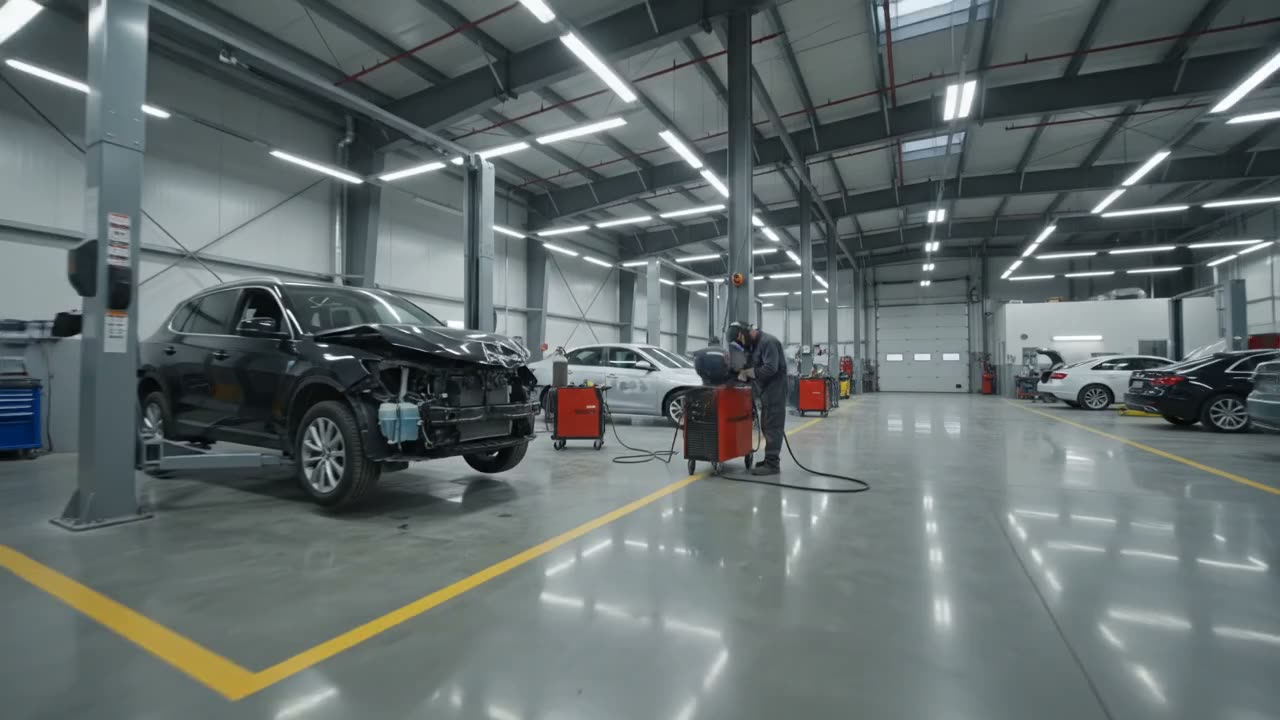
Shop management software for collision, repair, tire, wrap, lube, mobile and fleet
Stop asking where the car is.
Every job on one live board, built for your trade. Updates send themselves when work moves, and the whole crew sees the same schedule.
30-day money-back guarantee. No contract.
Start before Dec 1 and keep the price you start on for as long as you stay on that plan and billing cycle.
Rather see it first? Book a live demo
Dispatch
3
2022 Honda Accord
VIN 1HGCV1F34NA118207

2019 Ford F-150
VIN 1FTEW1E52KFA31860

2023 Subaru Legacy
VIN 4S3BWAB60P3013847
Repair Plan
2
2021 Toyota RAV4
VIN 2T3P1RFV5MW238471

2018 Chevy Tahoe
VIN 1GNSKBKC4JR283056
Body
3
2020 Jeep Wrangler
VIN 1C4HJXDG5LW224781

2017 Nissan Altima
VIN 1N4AL3AP4HC275930

2022 Hyundai Tucson
VIN 5NMJB3AE8NH052284
Paint
2
2019 Mazda CX-5
VIN JM3KFBDM4K1583207

2021 Ram 1500
VIN 1C6SRFFT5MN745018
Assembly
2
2020 VW Jetta
VIN 3VWC57BU4LM085431

2023 Kia Telluride
VIN 5XYP34GC1PG338126
Final Inspection
2
2018 BMW 330i
VIN WBA8E1G54JNU90714

2022 Ford Escape
VIN 1FMCU9G62NUA26593
If it rolls in, it fits on the board.
Set it up in an afternoon. Nobody needs training. And you are not paying a second time for the estimating you already have.
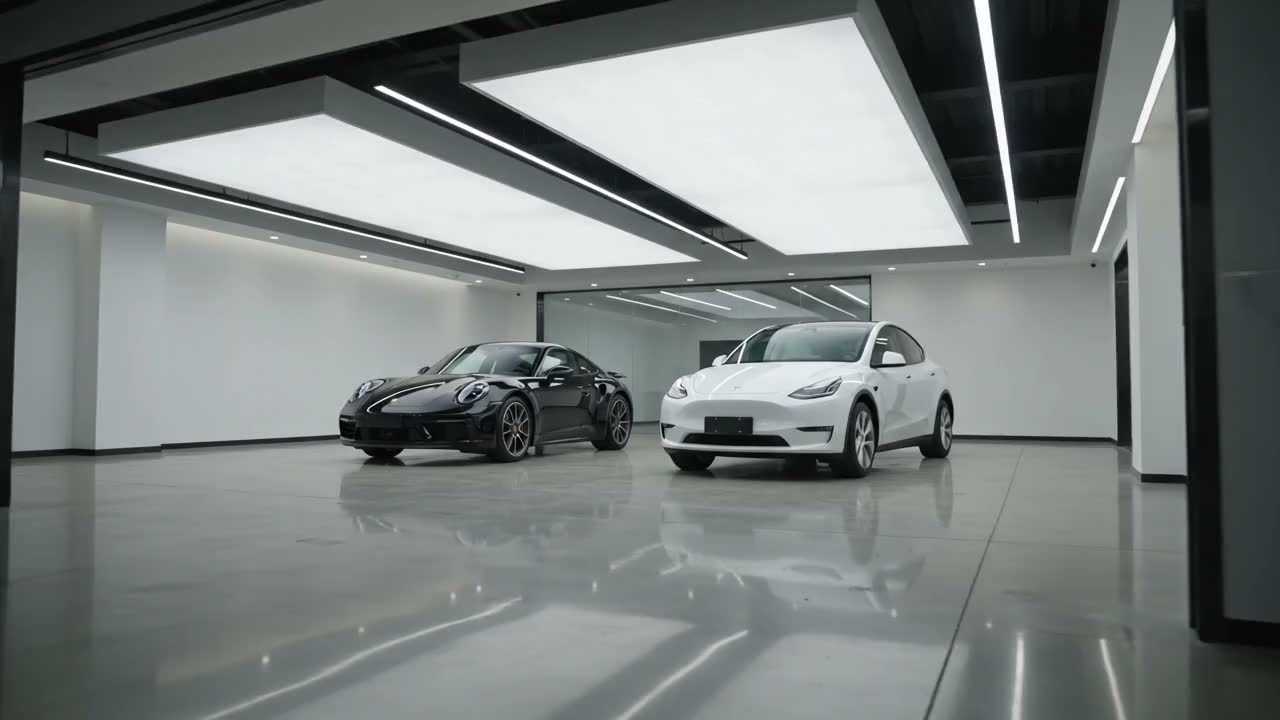
Collision
Nine cars, three insurers, and one guy calling about his bumper.
General repair
Half the bays are waiting on parts. The other half are waiting on you.
Tire and alignment
Twenty in and twenty out before lunch. Good luck tracking that on a whiteboard.
Wraps and PPF
Cure times do not care what you remember. Put them where the crew can see.
Quick lube
Nothing sits longer than fifteen minutes. Logging it should take less.
Mobile mechanic
Your shop is a van and the next job is across town.
Heavy duty and fleet
Every hour that unit sits in your yard, the fleet is losing money.
Something else
The board does not care what you fix. Only where it is and when it leaves.
See it working
Real screens.
Real shop days.
No mock-ups. Every clip below is recorded in Carvikon, the way your crew will use it.
01 / The whole floor
Every car, on one board.
From drop-off to pickup, see where every car stands. Drag a job to its next stage and the front desk and the floor get the same answer. Right-click a card to set its priority, mark parts in or color-code it.
On a computer, a phone or the shop TV. Every plan.
How it worksCARVIKON / Production boardProduct recordingA car moves to its next stage on the production board.
Feel it yourself.
If you can drag a card, you can run Carvikon. That's the whole learning curve.
Body
22018 Chevy Tahoe
VIN 1GNSKBKC4JR283056
2021 Ram 1500
VIN 1C6SRFFT5MN745018
Paint
12020 VW Jetta
VIN 3VWC57BU4LM085431
Assembly
0This is the actual product, not a mockup.
- CARVIKON / Add a car from a PDFProduct recording
Add car → upload PDF → review filled fields and totals. Processing shown at 4× speed. 02 / Less retyping
Add a car from the repair order.
Upload the repair order or estimate as a PDF. Carvikon fills in the customer, the vehicle and the totals. Check it, fix anything, and the car is on the board.
PDFs from CCC, Mitchell or Tekmetric. On Pro and Elite.
How it works 03 / Keep your estimating system
Keep CCC. Lose the double entry.
Drop the estimate PDF on the car. Carvikon reads the line items, parts, hours and totals, and you review them before they are added to the estimate.
AI estimate import is on Pro and Elite.
How it worksCARVIKON / Estimate importProduct recordingImport a CCC PDF, review the extracted estimate, then add it to the car. - CARVIKON / Quote approvalProduct recording
Build the quote, send it from the car, and see what the customer approved. 04 / The yes, on their phone
Send the quote. They approve it from their phone.
Build it from your own price book and send it from the car. The customer picks what they want and signs, and the answer lands back on the car: approved, declined, and the total.
Email on every plan. Texting it needs Pro and Elite, carrier approval and customer opt-in.
How it works 05 / No more “is it done yet?”
See what’s late. Let them follow along.
Anything past its promise time turns red, so you see it before the customer calls. Customers follow their car on their phone, with its stage and ready date.
Customer updates are optional. Email on every plan; texts on Pro and Elite with carrier approval and opt-in.
How it worksCARVIKON / Late jobs and customer trackingProduct recordingLate jobs turn red on the board; the customer’s page shows where their car is. - CARVIKON / Board workflowProduct recording
Edit the shop’s stages, timing and optional customer-update settings. 06 / Your shop, your stages
A board that speaks your shop’s language.
It arrives preset for your trade. Rename the stages, add sub-stages and set target times, so the board follows the way your shop already works. It reads in English, Spanish, French, Polish or Slovak.
Every plan. Set up in an afternoon.
- English
- Español
- Français
- Polski
- Slovenčina
AI receptionist · Elite
The phone stops going to voicemail.
Press play for a real call to our demo shop. Then ring the same line yourself.
- Answers in your shop’s name, day and night, or only the calls your crew misses.
- Reads the board for a car’s status and books the slot while they’re on the line.
- Never guesses. Anything it can’t answer becomes a callback for your team.
Cape Shop is our demo shop. The customers and cars are examples. Demo calls are recorded.
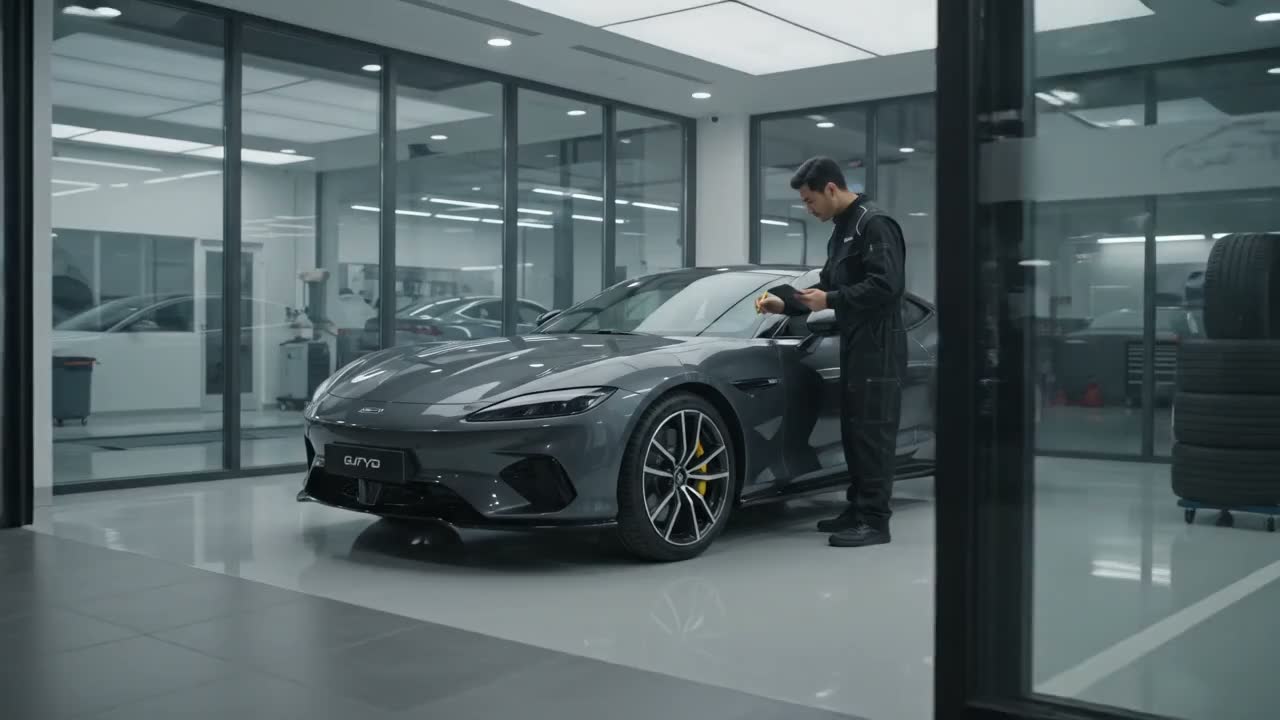

Hear a real call · 1:15
A caller books an estimate for a dented bumper. The receptionist finds open times and puts it on the calendar.
A real call to Cape Shop, our demo shop. The caller is our test persona, not a customer.
Ask Carvikon · Elite
Set the shop up by asking.
One sentence instead of three trips into Settings. It shows you every change first; nothing happens until you press Apply.
- Stages: add, rename, recolor and reorder them.
- Customer texts on any stage, in your words.
- Time limits, reminders, hours and your own notifications.
Every change can be undone for 7 days.
Scheduling · Try it
Every appointment, on one calendar.
Drop-offs, promised dates and deliveries, each in the car’s own color from the board. Drag one to another day. This is the real screen; go ahead.
Bookings, reschedules and cancellations sync to Google Calendar. Every plan.
Nov 8 – 14, 2026
Swipe the calendar sideways to see the whole week.
The time clock is a piece of paper.
Print the poster, tape it by the door. The crew clocks in by scanning it with their own phones, and Carvikon does the timesheets.
- Forgotten punches close themselves
- Overtime counted automatically
- Every correction keeps an audit trail
The review asks for itself.
The day after a car goes home, Carvikon texts the customer your Google review link. You pick the wait and the words once; every delivered car gets the same polite ask, and the stars stack up.
- Fires when the car is delivered, after the wait you choose
- Checks consent, waits out quiet hours, never asks twice
- Every location sends its own Google review link
Saturday's delivery is Tuesday's post.
Social puts the shop's Instagram and Facebook on a calendar beside the board. Pick the after photos straight from the job, see the post the way it will look, and it goes out on time, even while you're under a car.
- Instagram and Facebook, one sign-in
- Photos straight from the job
- Included in Pro and Elite

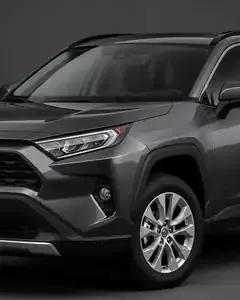

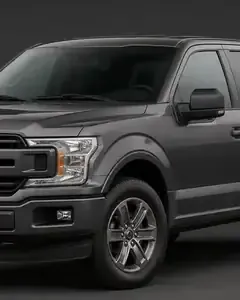

Use Carvikon anywhere
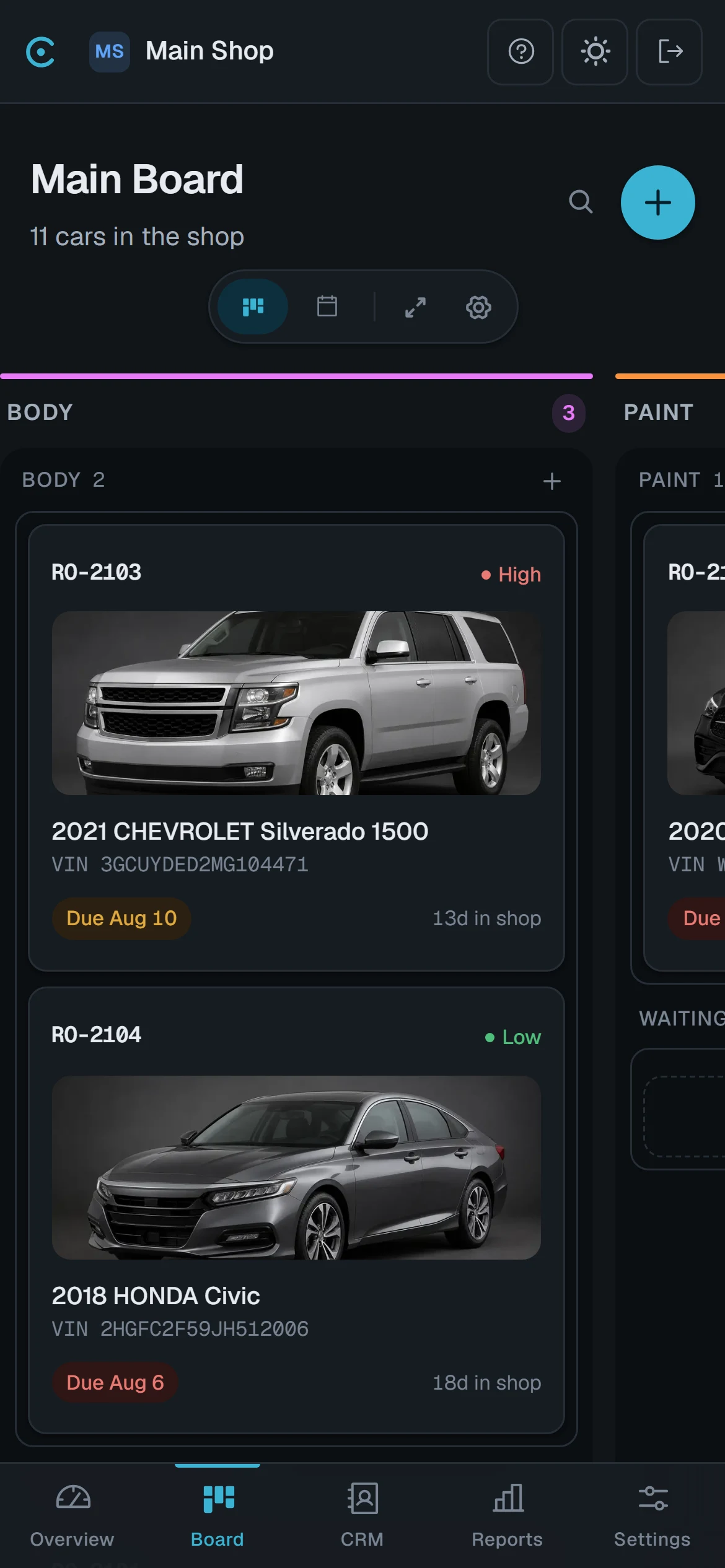
Anywhere
Phone, tablet, the TV on the shop wall.
For wrap & detail shops
Show the color before you order the film.
The Wrap Visualizer puts any film on the customer's own car in under a minute, two-tones, stripes and stealth PPF included, then sends it as a proof they approve from their phone.

Demo on a studio photo. In the app the picture is made on your customer's own car.
And the rest of the shop
Everything around the board.
Turn on what you need. Each one works from the same car, the same customer and the same board.
- Every planCustomer updatesThe board sends “your car is in paint” for you, by email or text, at the stages you pick.Learn more
- Pro & upE-signaturesAuthorizations and waivers signed on the customer’s phone, filed on the car.Learn more
- Pro & upCard paymentsSend a pay link or take a deposit. Paid shows up on the job.Learn more
- Every planOnline bookingCustomers pick a time you can take from your own booking page. It lands on the calendar.Learn more
- Pro & upReportsCycle time, time in each stage and cars delivered per week.Learn more
- EliteQuickBooks syncA delivered car becomes a QuickBooks Online invoice. Nobody retypes it.Learn more
See the whole thing in 8 minutes
Three plans. One shop each.
Start with the board and your customers. Add texting, documents and payments when you want them. More shops are a flat rate, set by the plan.
Which one fits your shop?
Pro
$948 a year. You save $240.
Billed month to month.
Where most shops land. More shops are $40 each.
- Everything in Starter
- Up to 25 users
- Customer texts, sent automatically
- E-signature documents
- Import estimates from CCC, Mitchell and Tekmetric (PDF upload)
- Google review requests
- Instagram & Facebook posting
- Time clock and timesheets
- Card payments and payouts
- Reports
- Support that answers
Every plan covers one shop and the whole board. More shops are $20 a month on Starter, $40 on Pro and $79 on Elite, billed annually, where each one brings its own AI Front Desk. Card payments come with Pro and Elite. Carvikon fee 0.30% of each card payment is taken from the shop, and Stripe processing fees are separate. A refund or a dispute returns the Carvikon fee. With the Card fees add-on, $49 a month, credit card customers can cover the card cost. The AI Front Desk comes with Elite, with 150 AI minutes a month per shop. Both take a short setup of their own.
No per-user fee on the plan most shops land on. The all-in-one platforms start at $199 a shop and bill every seat on top.
Questions shop owners actually ask.
It is one screen that shows every car in the shop and the stage it is in. Cars move across it as the work progresses, from dispatch through body, paint and final inspection. Anyone can look at it and know where a job stands without walking the floor or asking.
No. It runs alongside CCC and Mitchell, which keep the insurer estimates. Carvikon tracks the work itself, so the board is the one place that knows where every car is. For customer-pay work, or a shop without an estimating system, you can write an itemized estimate right on the car.
Shopmonkey is an all-in-one platform built around its own estimating. Carvikon is built around the production board. A body shop keeps CCC or Mitchell for insurance estimates and can write customer-pay estimates on the car; every other shop writes its itemized estimates right there too, and the approved work becomes the bill.
An afternoon. Add your stages, add your cars. There is no data migration, no implementation call and nothing to install.
If they can drag a card, they can use it. Most shops walk the crew through it once and never do it again. There is one screen to learn, not a suite.
Yes. The same board is built for a phone in one hand and for a big screen on the wall. Techs can add photos to a car by scanning the QR code on the job, which opens the camera on their own phone without a login.
Three plans, each covering one shop. Starter is 49 a month for the board, your customers, the calendar and customer emails. Pro is 99 and adds texting, e-signature documents, the time clock, card payments and reports. Elite is 199 and adds the AI Front Desk, the AI Suite, Connected AI, the Production Plan, QuickBooks sync and no limit on users. Paying annually takes 20 percent off any of them, so Starter comes down to 39 a month. More shops are $25 a month on Starter, $50 on Pro and $99 on Elite, where every Elite shop brings its own AI Front Desk.
No — you get something better for a shop that wants to be sure: a 30-day money-back guarantee. Set up your board, pick a plan and pay for your first month. If it isn't right for your shop, ask within 30 days of that payment and we refund it in full. No contract, cancel any time.
Ask us by emailing hi@carvikon.com within 30 days of your first payment, and we refund it in full within 2 business days. After 30 days you can still cancel any time; you keep access until the end of the period you paid for.
Yes. Book a live demo at carvikon.com/demo and someone from our team shows you the board, scheduling and customer updates for your kind of shop, on Google Meet or by phone, and answers your questions. No account needed. Or start now and set up your board yourself.
Yes, and it is included in Pro and Elite rather than sold separately. Your shop connects directly to Stripe, sends secure payment links from jobs or CRM leads, and receives payouts from Stripe. Carvikon does not hold customer funds. Carvikon fee 0.30% of each card payment is taken from the shop, and a refund returns that fee in proportion. A disputed payment returns it too. Stripe processing fees are separate.
Yes, on Pro and Elite. Social is a posting calendar beside the board: connect the shop's accounts with one Facebook sign-in, pick the after photos straight from a job, and the post goes out on the day you chose, with no charge per post.
Yes, if you run a wrap or detail shop on Elite. The Wrap Visualizer shows the customer's own car in a new film, a two-tone, stripes or stealth PPF, and the picture can go to them as a proof to approve.
Yes, on Elite. Connected AI is Carvikon's own MCP server. Connect Claude, ChatGPT, Codex, Grok, Gemini, Cursor or any MCP client, and the AI works inside Carvikon as the person who connected it, seeing exactly what they can see: the board, cars, customers, appointments and money owed. Every connection can be revoked in one click, and every call is logged.
One account covers all of them. Each shop gets its own board, its own stages and its own cars, and you switch between them from the same login. Every tier includes one shop. Each additional shop is $25 a month on Starter, $50 on Pro and $99 on Elite, where each Elite shop comes with its own AI receptionist and 150 AI minutes a month.
Yes. You name your own stages and set their order, so the board matches how the shop already runs. Nothing forces a car through a step it does not need.
There is no contract and no cancellation fee. Turn it off and the account runs to the end of the period you already paid for, then stops. Nobody will put you through a retention call.
The answers that were too long for the FAQ.
Boards, bottlenecks, and not paying twice for software you already own. No forms, no gated PDF, no webinar.
All postsShop management software vs a production board: which one your shop actually needs
Most shop management software is built around the repair order. Body shops lose time somewhere else: where the car is and what it's waiting on. Here's how to tell which tool fixes your problem.
6 min read
Body shop software checklist for a 5–15 bay shop
Feature lists all look the same. This body shop software checklist is built around one real week in the shop — who touches the tool, when, and what has to be true for it to still be current on Friday.
8 min read
Collision repair software without replacing CCC/Mitchell
Most search results for collision repair software are suites that want to replace the estimating system you already pay for. The floor usually needs something narrower.
8 min read